
Guide
How to try on clothes online before buying.
You can see an outfit on yourself before you order it — all you need is one good photo of you and a picture of the item. This guide walks through each step, with a video at the end.
Free to start · Works in your browser · Adults 18+
Step 1 — Take the right photo of yourself
The photo of you is the foundation. You only need to take it once: TryOnFusion saves it as a profile you can reuse for every try-on.
- Full length, head to toe, with a little space above and below.
- Just you in the frame.
- Even light — facing a window works well. Avoid strong shadows.
- Fitted, simple clothes, so the AI can see your shape.
- Arms slightly away from your body; stand straight.
Step 2 — Get a clean image of the item
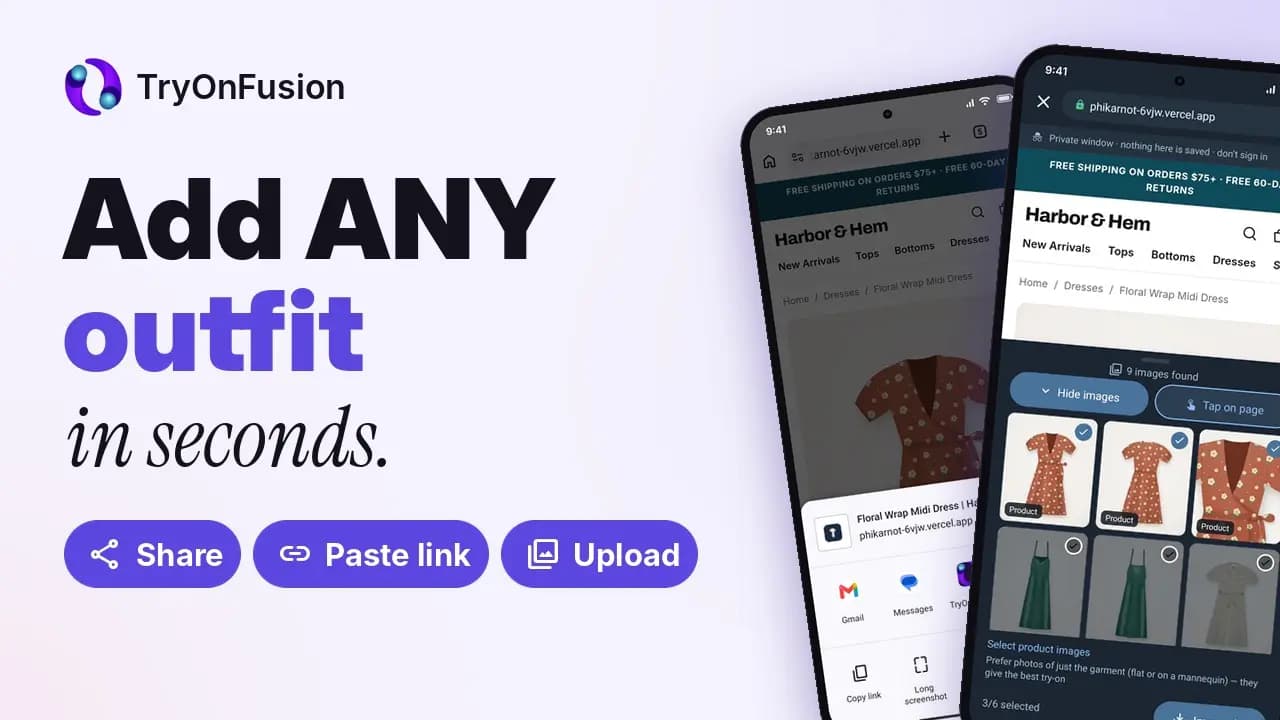
On the product page, save the main photo of the item or take a screenshot and crop it to the garment. A front-facing photo — flat-lay or on a model — works best. Skip collages, size charts and images with big text overlays.
On the web, drag the image straight into the upload area or paste it with Ctrl+V (⌘V on a Mac). On Android, the TryOnFusion app can import from a product link directly.
Step 3 — Build the outfit
Save each item to your wardrobe in the right category — tops, bottoms, dresses, shoes or accessories. Then pick the pieces you want to wear together. You can combine items from different shops into one look.
Step 4 — Choose quality and scene, then generate
Standard quality takes about 20 seconds and is great for comparing options. Pro takes about 35 seconds and keeps more detail, which helps with prints, lace and textures. Choose a background if you want to see the outfit in a particular setting.
Step 5 — Read the result like a stylist
Look at proportions (where the hem and waist fall), colour against your skin tone, and how the pieces work together. Then check the shop’s size guide: the try-on shows style and drape, not an exact size.
Watch: adding outfits and trying them on
A short walkthrough of the whole flow, from adding a photo to the finished look.
Quick checklist
- One full-length, well-lit photo of yourself
- A clean, cropped image of each item
- Items saved to the right wardrobe category
- Standard to compare, Pro for detail
- Size guide checked before ordering
Frequently asked questions
Can I try on clothes online for free?
Yes. Your first try-on needs no account, and signing up gives you 100 free stars plus a free Standard try-on each day while your balance is low.
Do I need the app?
No — everything in this guide works in a browser. The Android app adds importing from a product link and sharing from shopping apps.
Why does my result look blurry or wrong?
Usually because of the input photos. Use a sharper, better-lit, full-length photo of yourself and a clean, cropped image of the item, or switch to Pro quality.
Keep exploring
Virtual clothes try-on
AI clothes try-on
Try clothes on your photo before you buy. Upload a screenshot from any shop and see the outfit on you in about 20 seconds. Free to start.
AI virtual try-on
AI virtual try-on
What AI virtual try-on is, how it works and how accurate it is. Try outfits on your own photo for free — individual, couple and group.
Couple and group outfit try-on
Couple & group try-on
Dress two to five people in one picture. Plan matching wedding, festive and holiday outfits with AI couple and group try-on.
Last updated 2026-10-12