
AI virtual try-on
AI virtual try-on, on your own photo.
A virtual fitting room that works with your real photo and clothes from any shop. Here is what it does, how it works, where it shines and where it doesn’t — and how to try it free.
- 100 free stars when you sign up
- Photos never used to train AI
- Adults 18+ only
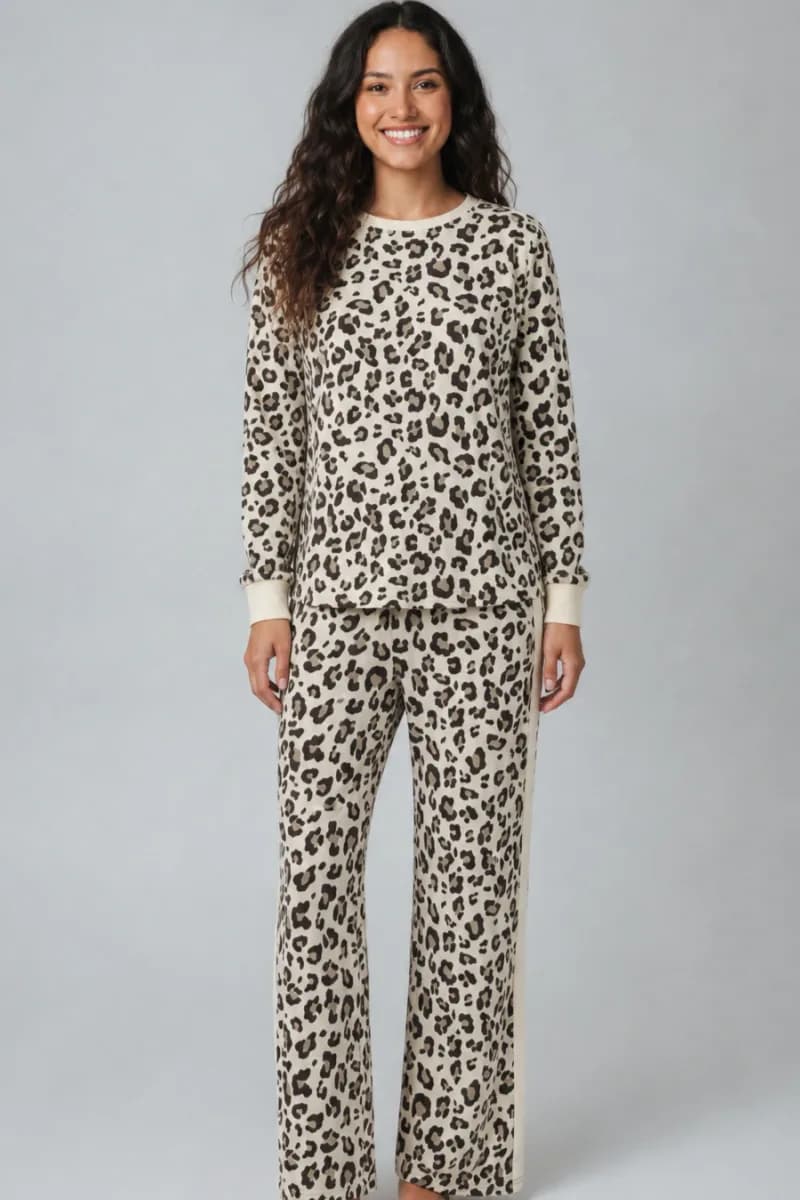 Try-on result (AI-generated)
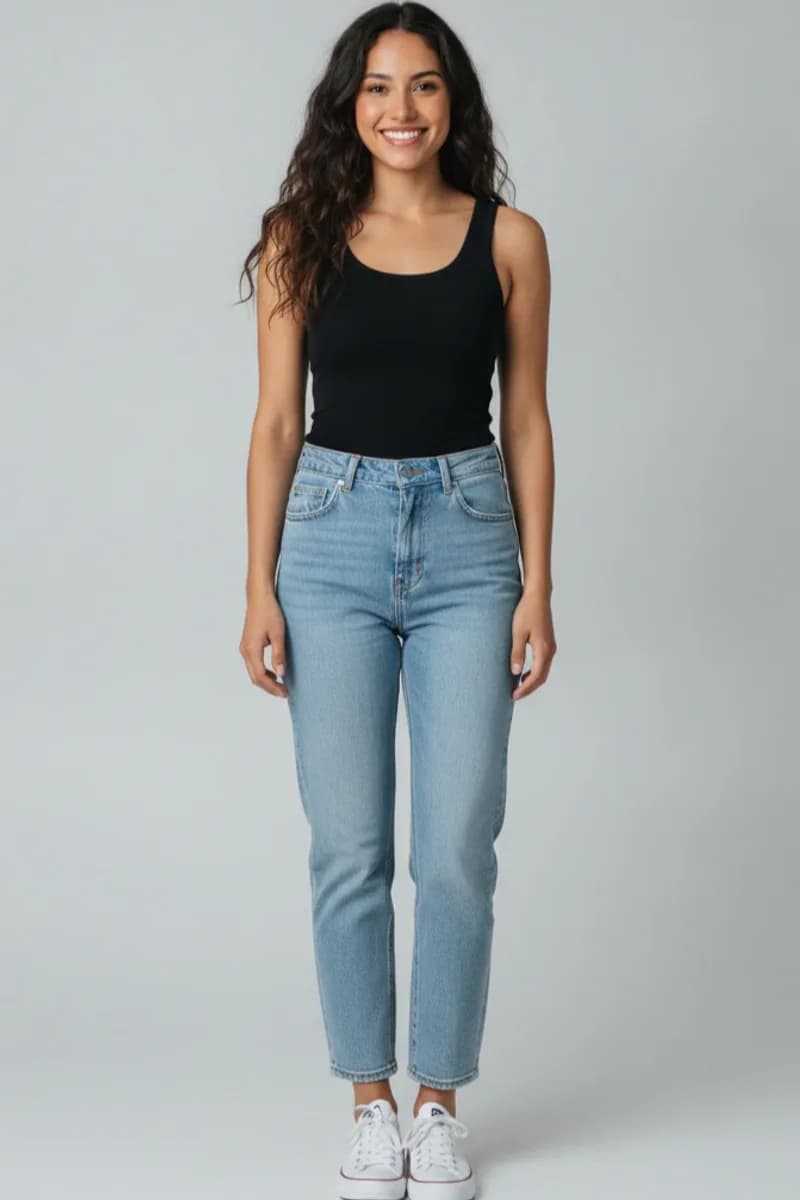 Your photo
What is an AI virtual try-on?
An AI virtual try-on takes two kinds of picture — a photo of a person and a photo of a garment — and generates a new image of that person wearing that garment. Instead of pasting the clothing on top like a sticker, the model redraws the outfit so it follows your posture, wraps around your shoulders and hips, and picks up the light in your photo.
Older “virtual fitting rooms” used 3D avatars or AR overlays that floated on top of a camera feed. Generative image models changed that: the result now looks like a photograph of you wearing the piece, which is what makes it useful for deciding whether to buy something.
How virtual try-on works in TryOnFusion
You choose the inputs; the AI does the drawing. The whole thing takes about twenty seconds.
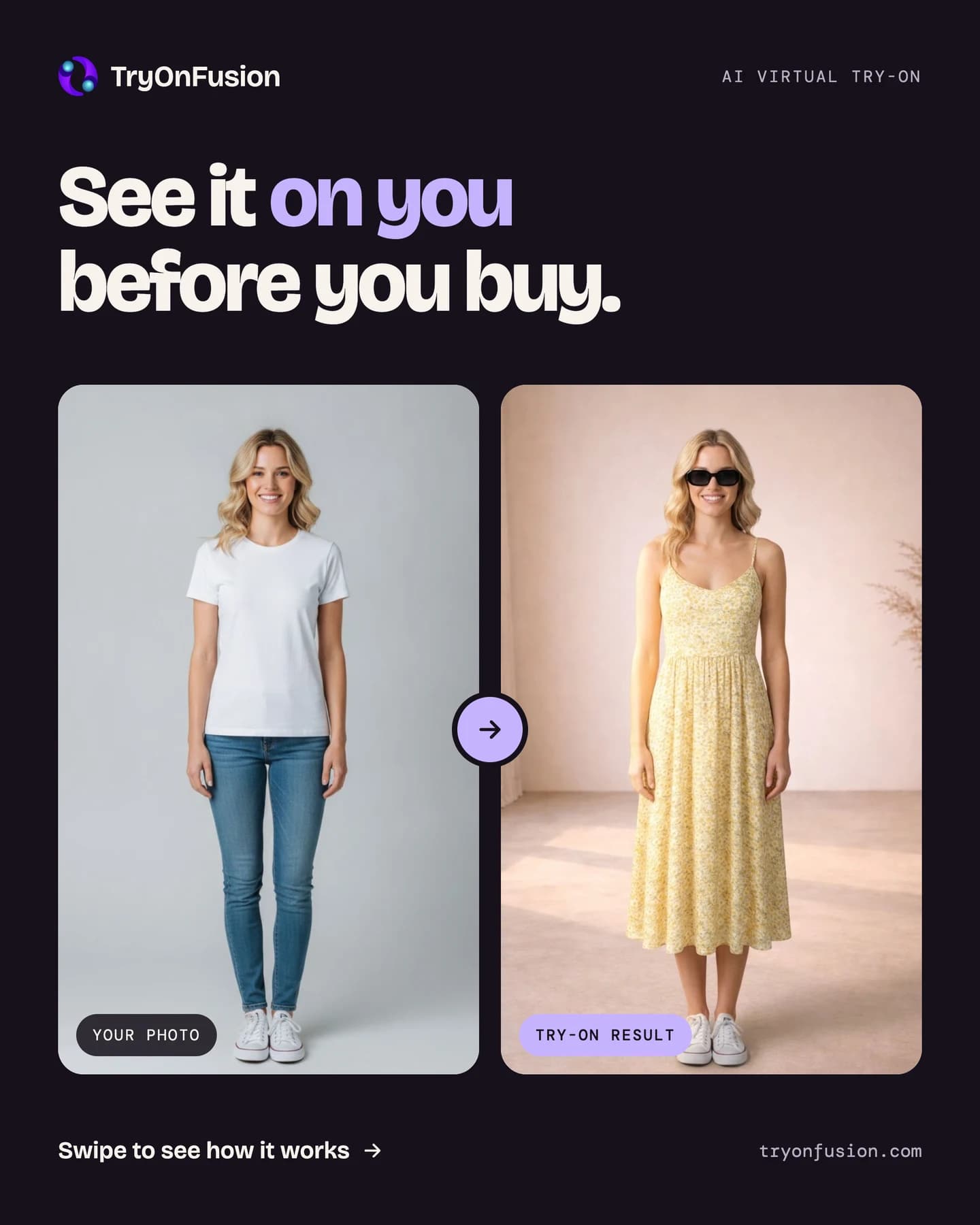
See it on you before you buy it.
Upload a photo of yourself and any outfit you found online. TryOnFusion’s AI dresses you in it in about 20 seconds — so you can check the fit, colour and style before checkout.
How accurate is it?
It is very good at style, colour, pattern and drape: whether a colour suits your skin tone, whether a print is too busy, whether a cropped jacket works with high-waisted trousers. It is a strong signal for “will I like this on me?”.
It is not a tape measure. The AI does not know a brand’s exact cut, and it cannot tell you whether a size M will be tight across the shoulders. Use the result to decide what you like, then use the shop’s size guide to decide which size to order.
- Best results: a well-lit, full-length photo, arms slightly away from the body, plain background.
- Clear garment images: the item photographed flat or on a model, without heavy filters.
- Hard cases: sheer fabrics, sequins, very loose oversized cuts, and photos where the body is mostly covered.
What you can do with it
Individual looks
Any top, dress, kurta, jacket or full outfit on yourself.
Couples
Two people, coordinated — weddings, date nights, matching outfits.
Groups of up to five
Family functions, friends’ trips, bridal parties.
Backgrounds
Keep yours, pick a scene, or upload the venue you are dressing for.
Hairstyles
Preview a new cut or colour before the appointment.
Trending looks
One-tap creative styles, refreshed every week.
Why people use virtual try-on before buying
Online clothes are returned far more often than things bought in a shop, and “didn’t look right on me” is one of the most common reasons. A thirty-second preview catches many of those before the order is placed — saving the return trip, the refund wait, and the parcel’s round trip.
It is also simply fun: trying a look you would never have picked up in a shop, dressing a partner for an event, or seeing what the whole family would look like in coordinated outfits.
Privacy, built in
Your photos are used only to create the try-ons you ask for. They travel over HTTPS, are stored encrypted in a private bucket, and are never used to train AI models. You can delete a photo, a result or your whole account at any time, and the files are deleted with it.
TryOnFusion is for adults. Everyone in a photo must be 18 or over and must have agreed to it; images are screened automatically and requests involving minors are refused. Every generated image is labelled as AI-generated.
Try it on your own photo
Your first try-on needs no account. Sign up afterwards for 100 free stars.
Frequently asked questions
Is the virtual try-on free?
You can try it once without an account. Signing up gives 100 free stars and a free Standard try-on every day while your balance is low. Star packs are optional; there is no subscription.
Does it work with any shop?
Yes. Upload a screenshot or a product photo from any website. The Android app can also import images directly from a product link.
Can I use a photo of someone else?
Only with their permission, and only if they are 18 or over. That rule applies to everyone who appears in any photo you upload.
How long does it take?
About 20 seconds in Standard quality and about 35 seconds in Pro. Couple and group looks take a little longer.
Will it change my face or body?
It is designed to keep you looking like you — your face, body shape and pose — and change only the clothes, hair or scene you asked for.
Keep exploring
Virtual clothes try-on
AI clothes try-on
Try clothes on your photo before you buy. Upload a screenshot from any shop and see the outfit on you in about 20 seconds. Free to start.
AI fashion try-on
AI fashion try-on
Explore new styles with AI: try outfits for weddings, work and trips, change the scene, and test bold looks on your own photo.
Couple and group outfit try-on
Couple & group try-on
Dress two to five people in one picture. Plan matching wedding, festive and holiday outfits with AI couple and group try-on.
Guide
How to try on clothes online
A practical guide to trying clothes on online before you buy: the photo to take, how to add outfits from any shop, and how to read the result.
Last updated 2026-10-14