
Virtual clothes try-on
Try clothes on your photo before you order.
Found something in an online shop but not sure it’s you? Upload a screenshot of it and a photo of yourself. In about twenty seconds you will see it on you — no changing room, no returns.
Free to start · Works in your browser · Adults 18+
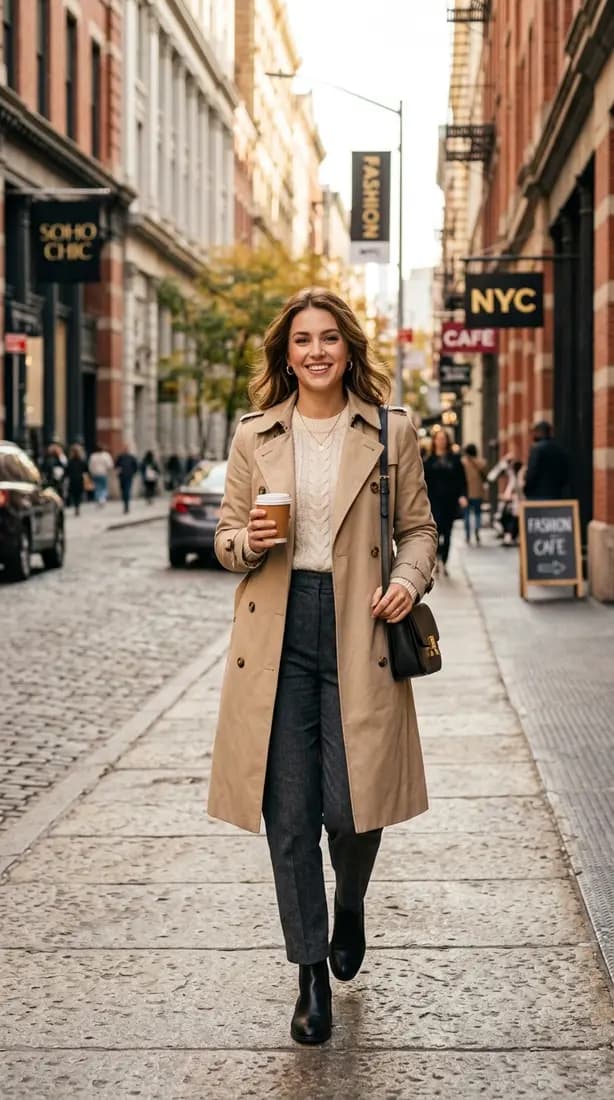
From product page to “yes, that one” in three steps
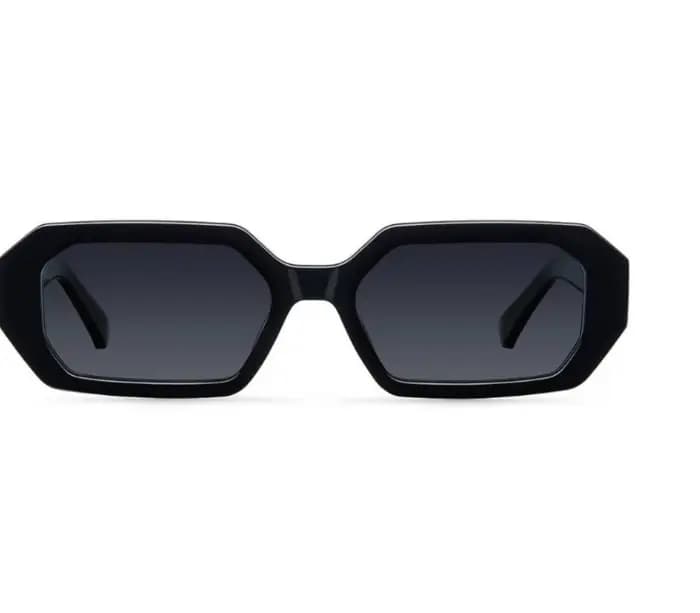
01
Save the product image
Take a screenshot of the item, or save its photo. Front-facing product shots and model photos both work.
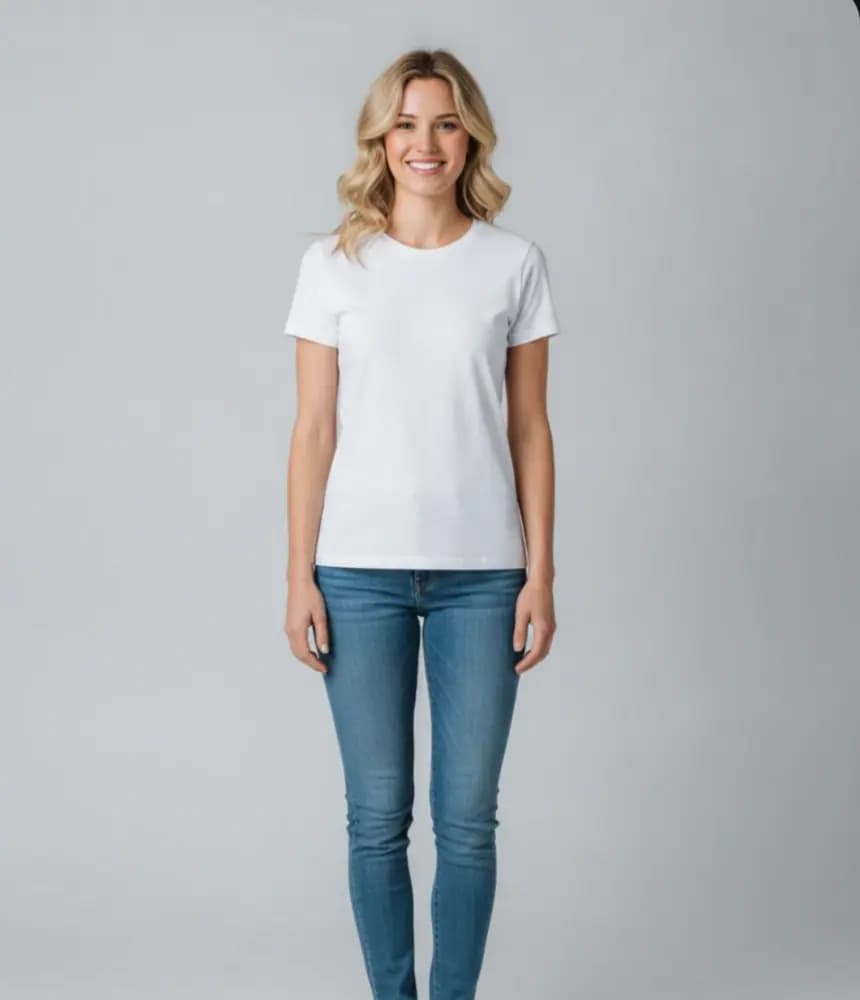
02
Add your photo once
One full-length photo of yourself becomes a saved profile. Next time you only add the clothes.
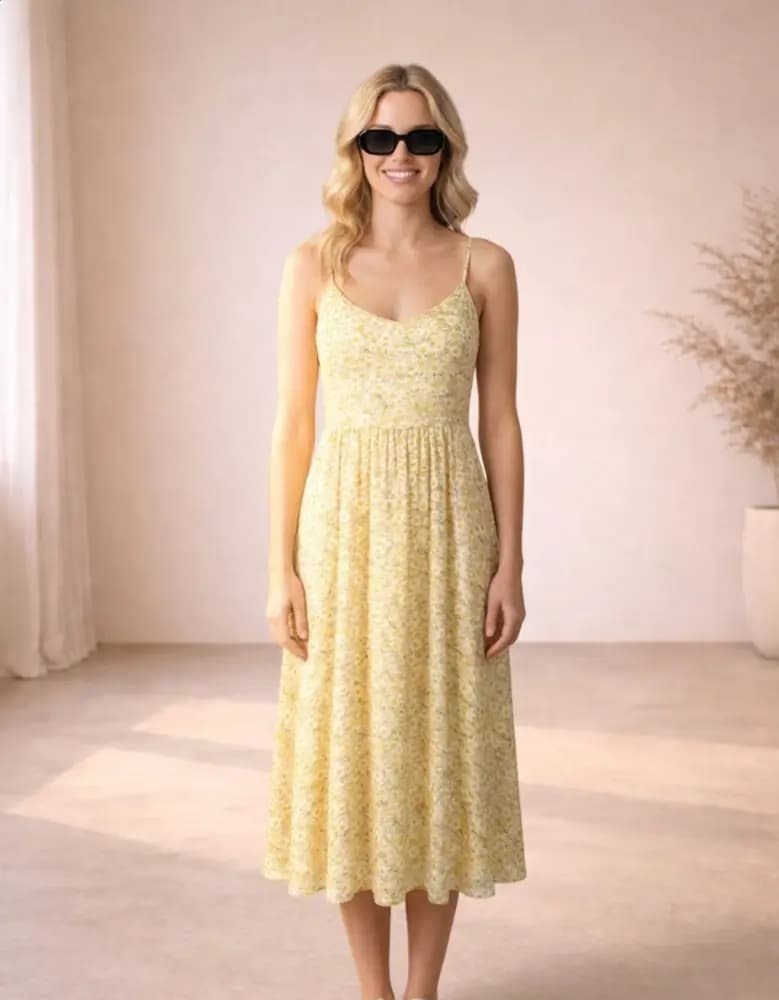
03
See it on you
Choose Standard for speed or Pro for detail. Compare a few options side by side in your gallery.
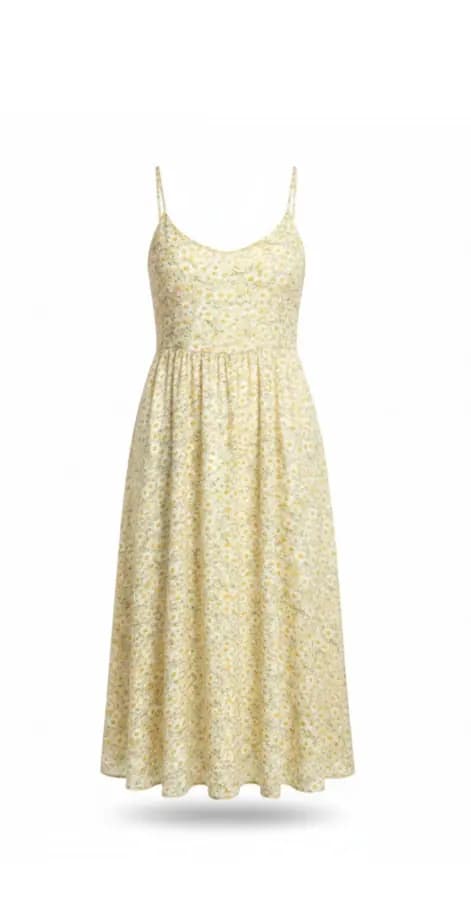
Mix pieces into a whole outfit
Real outfits are more than one item. Save tops, bottoms, dresses, shoes and accessories to your wardrobe, then combine them in a single try-on: the jacket from one shop with the trousers from another and the sunglasses you already own.
Each wardrobe item keeps the shop link it came from, so when you have found the combination you like, you can go straight back and order it.
- Tops, bottoms, dresses and accessories
- Saved to your wardrobe with the shop link
- Try them again with a new photo any time
Tips for the most realistic result
The AI can only work with what it can see. A clear photo of you and a clear photo of the garment make the biggest difference.
- Stand straight, head to toe in frame, arms slightly away from your body.
- Use even daylight and a plain wall behind you.
- Wear fitted clothes in your photo — baggy layers hide your shape.
- Crop the product image to the item; avoid collages and heavy text.
- For patterned or detailed pieces, use Pro quality.
What it can and can’t tell you
A virtual try-on is excellent at answering “does this colour, cut and style suit me?”. It shows how a garment drapes on a body like yours and how it combines with the rest of the outfit.
It cannot replace a size chart. The AI doesn’t know how a particular brand cuts its medium, so once you know you like the look, check the shop’s measurements before you pick a size.
On Android? Import straight from a link
In the TryOnFusion Android app you can paste a product link — or tap Share in any shopping app and pick TryOnFusion. The page opens in a private browser on your own phone and you choose which images to import. Nothing is fetched by our servers.
Try your first outfit free
No account needed for the first one.
Frequently asked questions
Can I try on clothes from Zara, H&M, ASOS or Amazon?
Yes — any shop works, because you upload the product image yourself. Take a screenshot of the item or save its photo, then add it as the outfit.
Does it work for men’s clothes?
Yes. Try-ons work for any adult and any garment type: shirts, suits, jackets, kurtas, dresses, jeans and accessories.
What photo of myself should I use?
A full-length photo of just you, head to toe, in good light, wearing fitted clothes. You only add it once; it is saved as a profile you can reuse.
Is the size shown accurate?
The result shows style, colour and drape, not exact size. Use the shop’s size guide to choose a size after you have decided you like the look.
Keep exploring
AI virtual try-on
AI virtual try-on
What AI virtual try-on is, how it works and how accurate it is. Try outfits on your own photo for free — individual, couple and group.
Guide
How to try on clothes online
A practical guide to trying clothes on online before you buy: the photo to take, how to add outfits from any shop, and how to read the result.
AI fashion try-on
AI fashion try-on
Explore new styles with AI: try outfits for weddings, work and trips, change the scene, and test bold looks on your own photo.
Last updated 2026-10-12